About
Mellav is a product I started after moving back to Greece. It's for people who look after an animal day to day and want its care and its history in one place they actually open. The MVP is the owner journey: signing up, adding animals, logging care and getting reminders. It's built and running against a live API.
Scope
Design and build an owner app that makes everyday care quick to log and easy to see at a glance, in two languages, with an account area that gives owners control of their own data. Vet access was designed alongside it but deliberately left out of the MVP (see Future development).
The problem
Care is daily, records aren't
Walks, meals and medication happen every day, but health history usually lives in a paper booklet or at the clinic. Owners needed both in one place.
Too much to remember
Feeding times, tablets, flea treatment, booster dates. Each is easy on its own, but together they slip. The app had to remember them for the owner.
Two languages, one product
The audience is Greek-first, with English-speaking owners too. Every screen, reminder and fact had to work in both languages from the start.
What I wanted to achieve
- An owner can see how their animal is doing today in under five seconds.
- Logging care (a walk, a meal, a vaccine) takes one tap or one short form.
- Nothing time-sensitive depends on memory: meals, medication and preventative care can all send reminders.
- One visual system across the mobile app and the web app.
My role
- Product
- Defined the MVP and its structure (one animal, four tabs, an Overview on top) and decided what stayed out of version one.
- Design
- Designed every screen of the owner journey, the design tokens and a custom set of 32 icons (15 in filled and outline pairs, plus two single icons).
- Build
- Built the owner app in React Native (Expo), the web app in HTML, CSS and JavaScript, and the Go API on AWS, with English and Greek throughout.
- Data and privacy
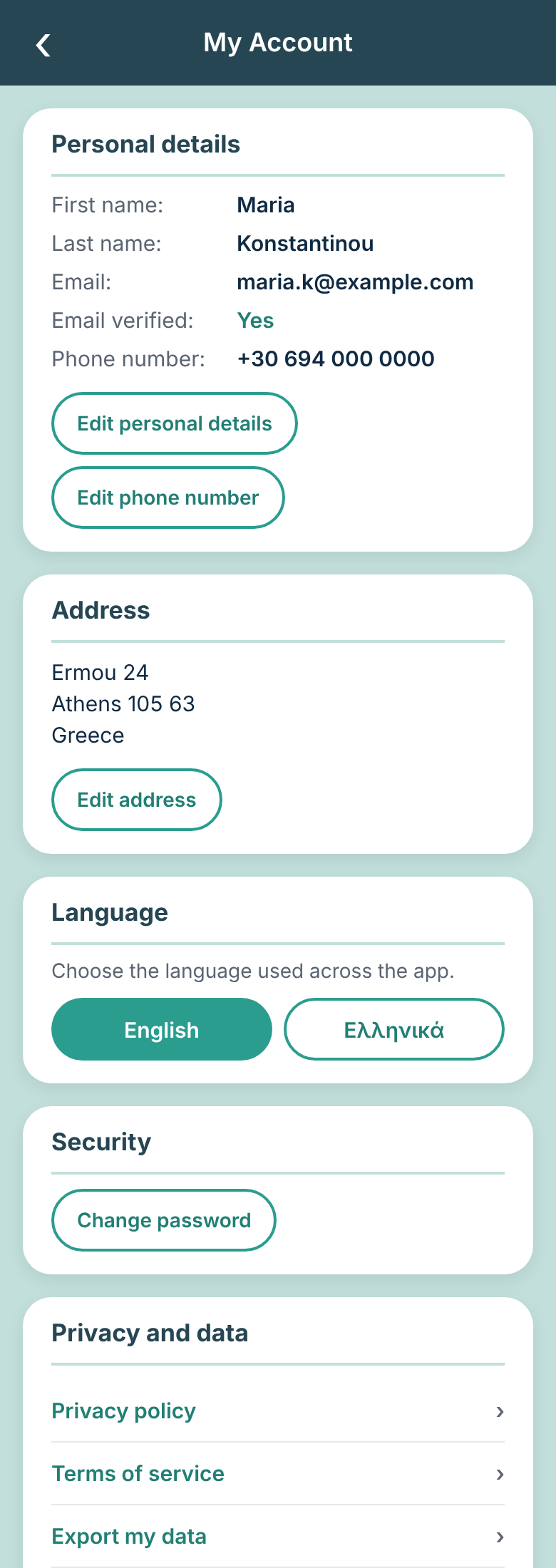
- Designed the account area around the owner's control of their data: editing details, choosing a language, exporting data and requesting deletion.
The product: four tabs, one animal
Everything hangs off the animal. Owners land on a list of their animals, tap one, and move between four tabs that each answer a single question.
- 01 · Overview
How is she today?
Today's care score, next meal, activities done and health in a glance.
- 02 · Health
What's her history?
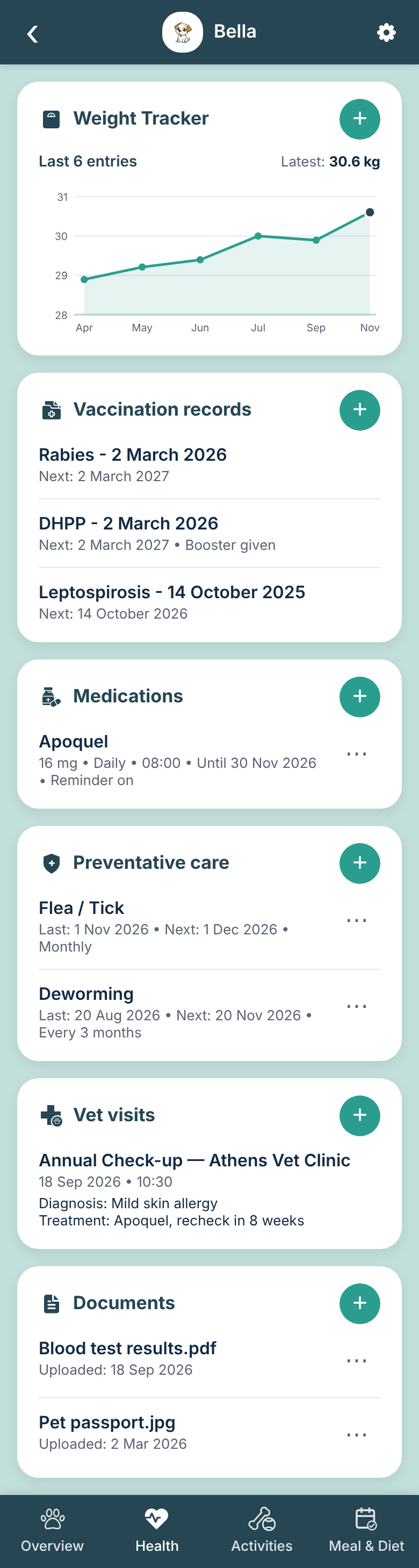
Weight chart, vaccines, medications, preventative care, vet visits and documents.
- 03 · Activities
What needs doing?
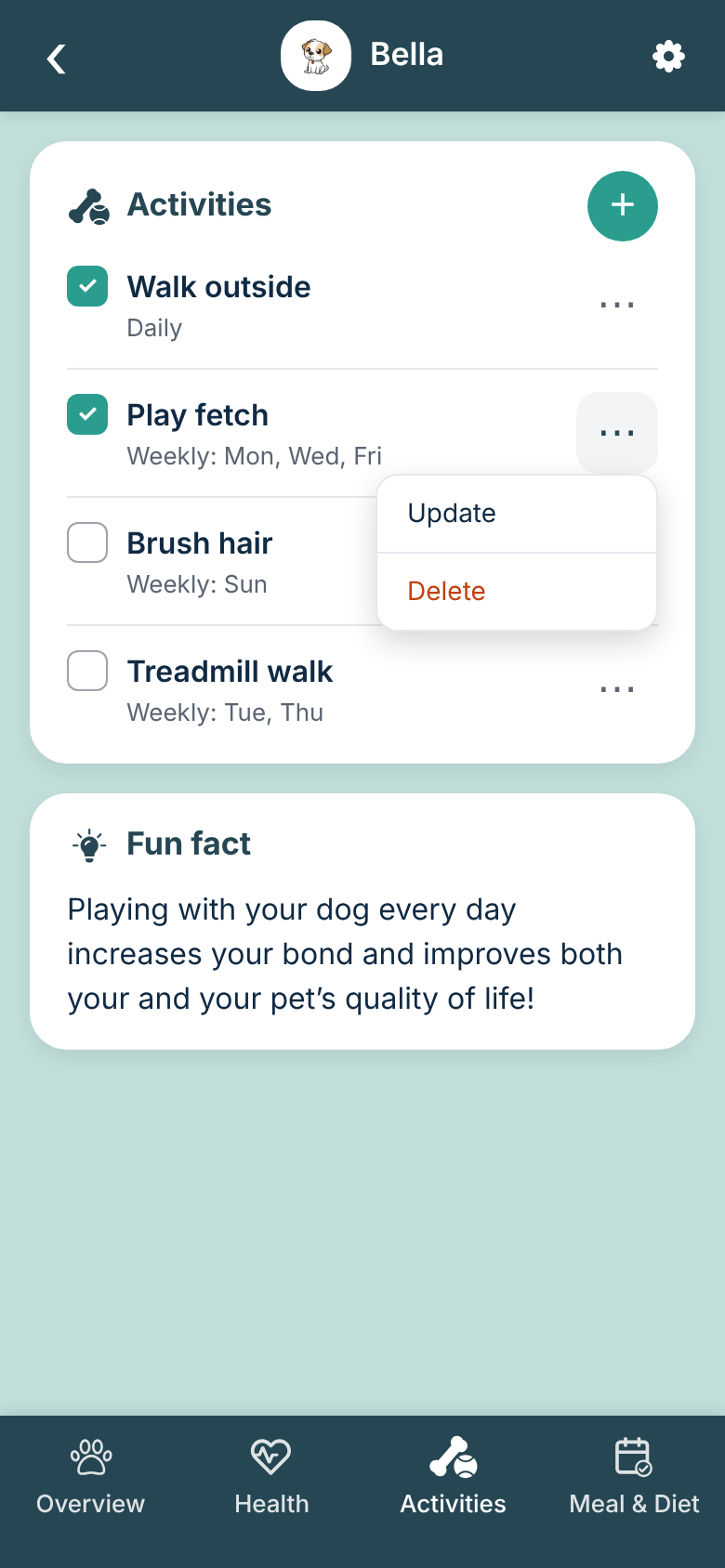
Daily or weekly routines, ticked off as they happen.
- 04 · Meal & Diet
What does she eat?
Feeding schedule with reminders and a daily summary.
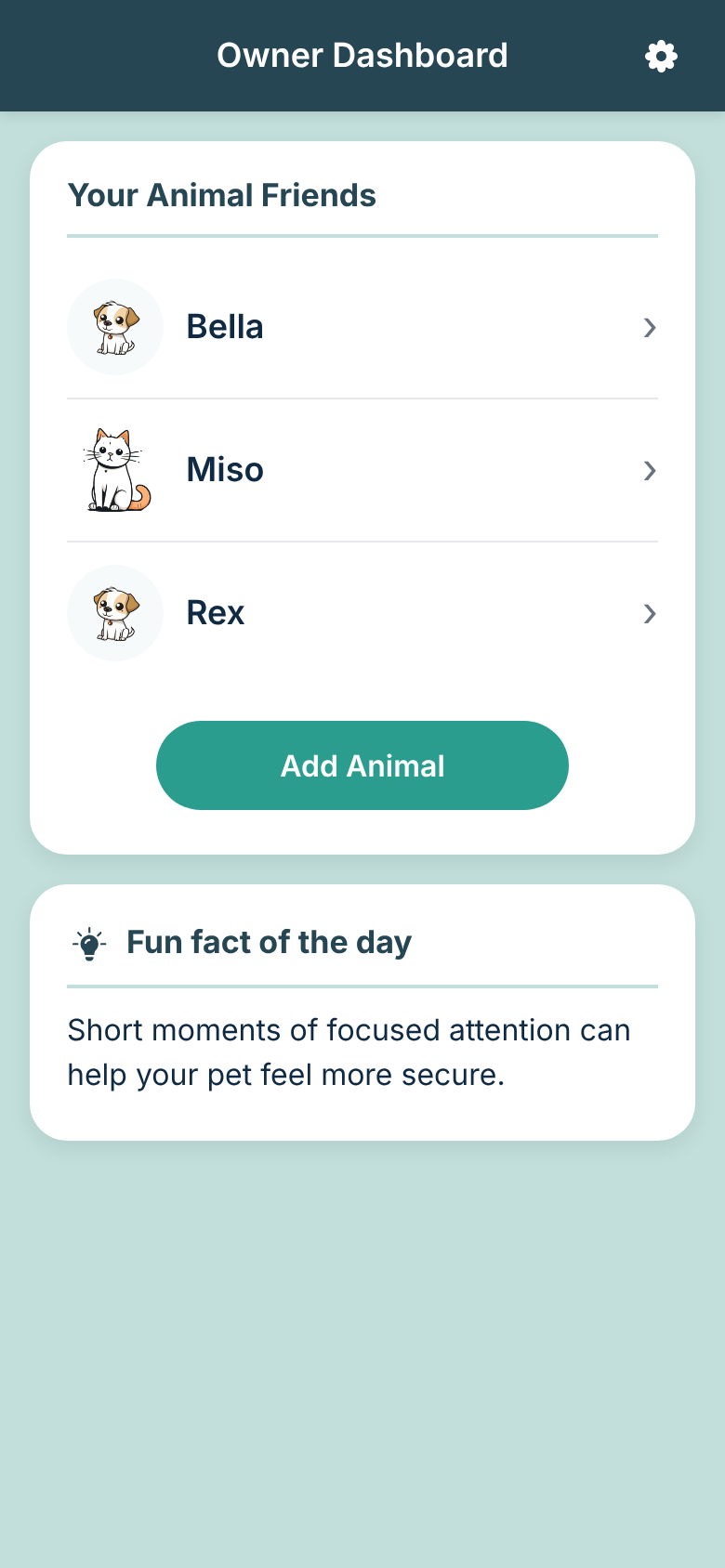
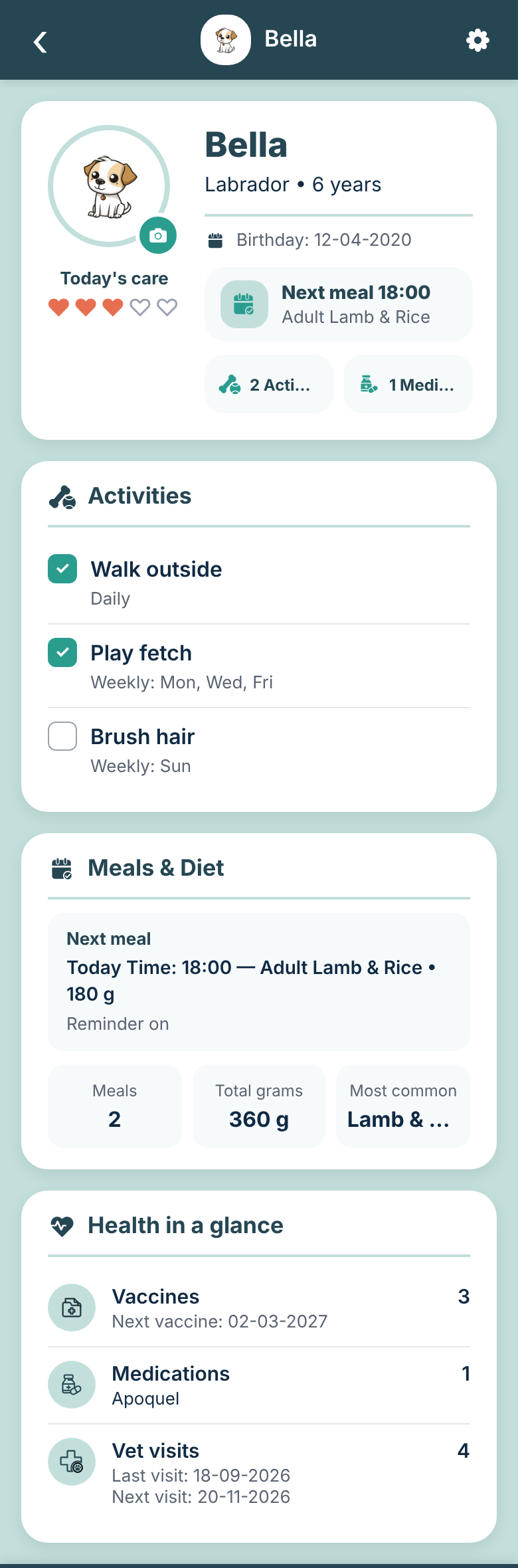
Overview, in practice
The Overview screen is a summary of the other three tabs. Each block answers one question and links to the tab that holds the detail, so owners rarely need to dig.
What the Overview shows first
Today's care, as hearts
Five hearts. Opening the app fills one, and each activity completed today fills another (up to four). It's a gentle nudge rather than a streak to lose.
The next thing due
The next meal sits right under the animal's name, with time, product and portion. It answers "have I fed her?" before it gets asked.
Health without the detail
Counts for vaccines, medications and vet visits, with the next and last dates, so owners can see a gap without reading the history.
Logging care, in practice
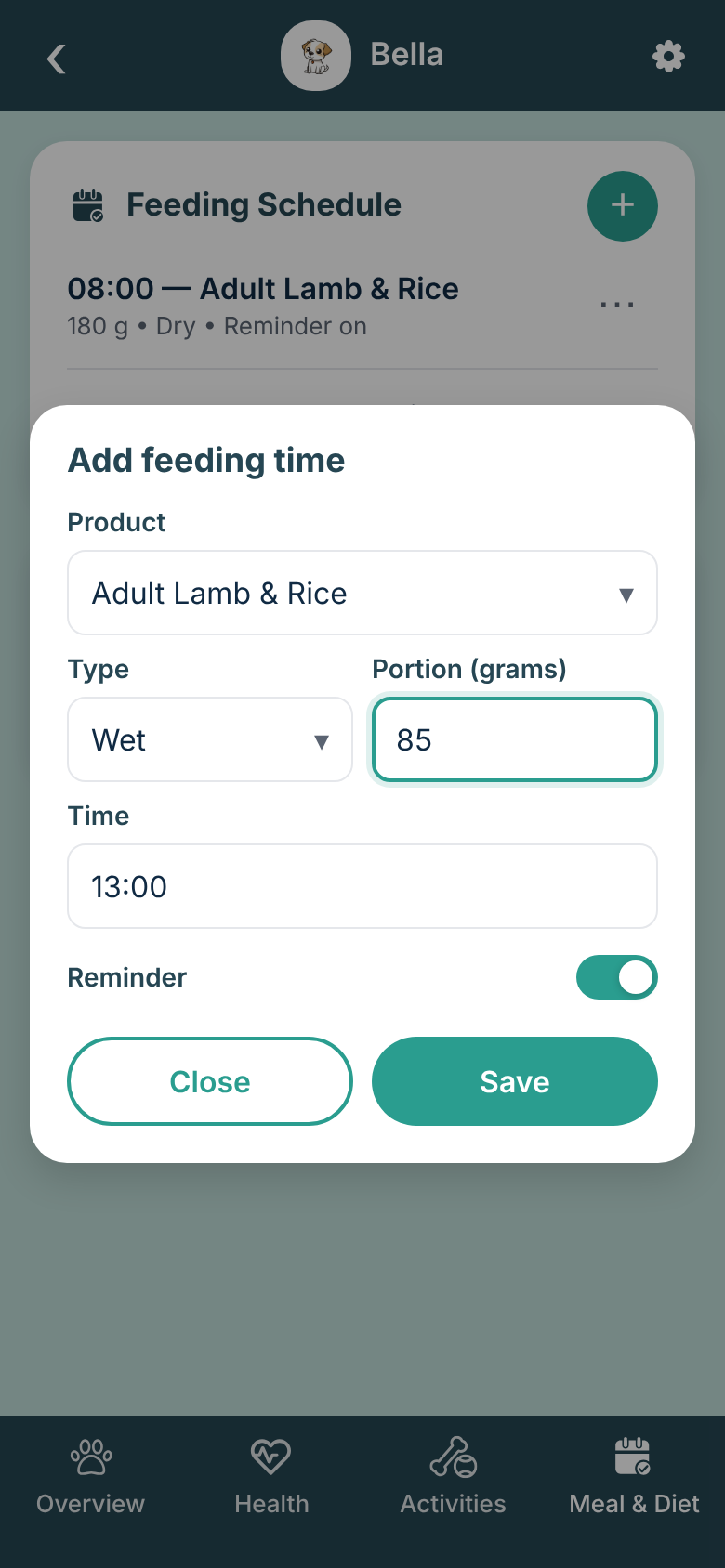
Every tab uses the same pattern, so learning one teaches the rest. A card has a title, an icon and a round "+" button. Each row shows the item and its key detail on one line, with a ⋯ menu to update or delete. Adding something opens a short form with a reminder switch where it makes sense. Health holds six kinds of record (weight, vaccines, medications, preventative care, vet visits and documents), and none of them needs more than one form to add.
Reminders that don't need remembering
Meals: each feeding time can send a daily reminder at the time it's due.
→ set once, when the meal is added
Medication: each tablet or dose follows its own schedule, from twice daily to monthly.
→ follows the dose's frequency
Preventative care: flea and tick, deworming and check-ups come round on their own schedule.
→ each with its own frequency and next due date
Getting started and staying in control
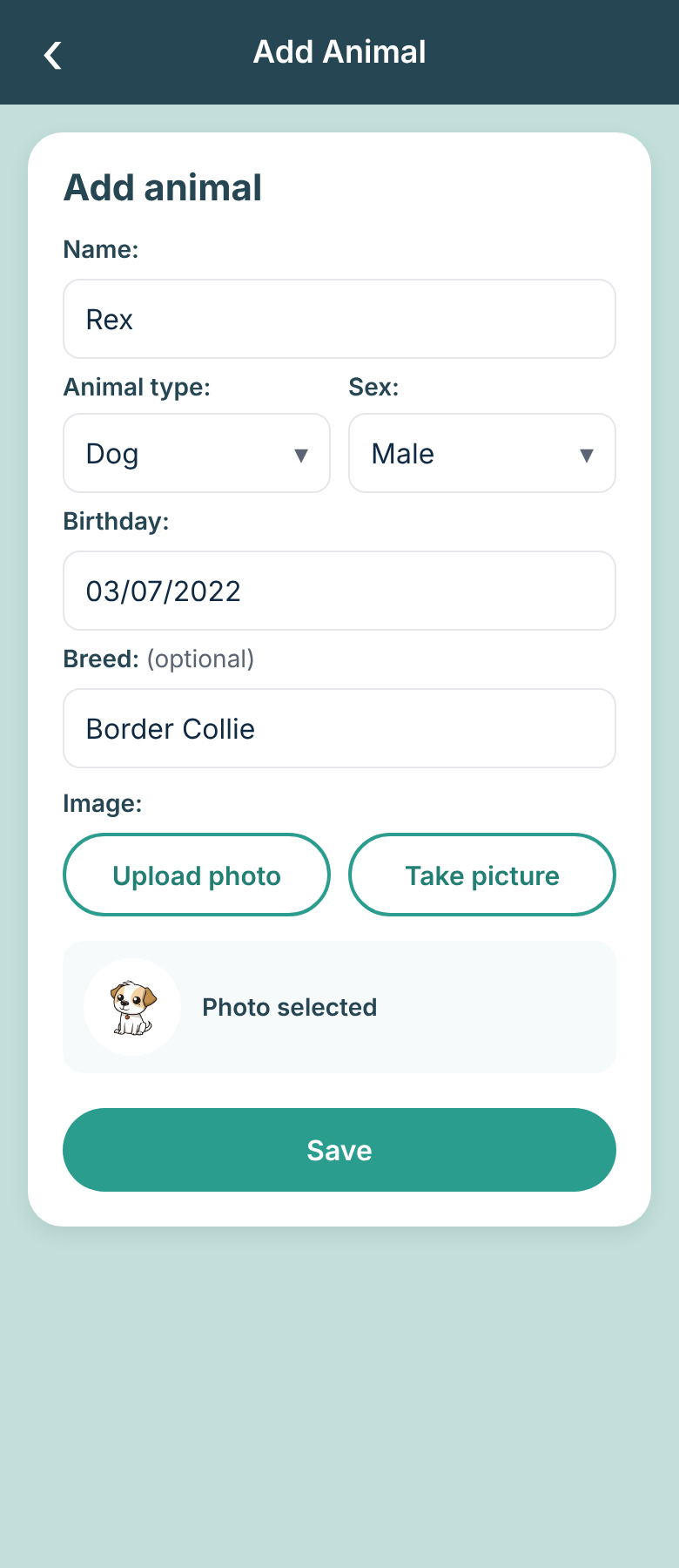
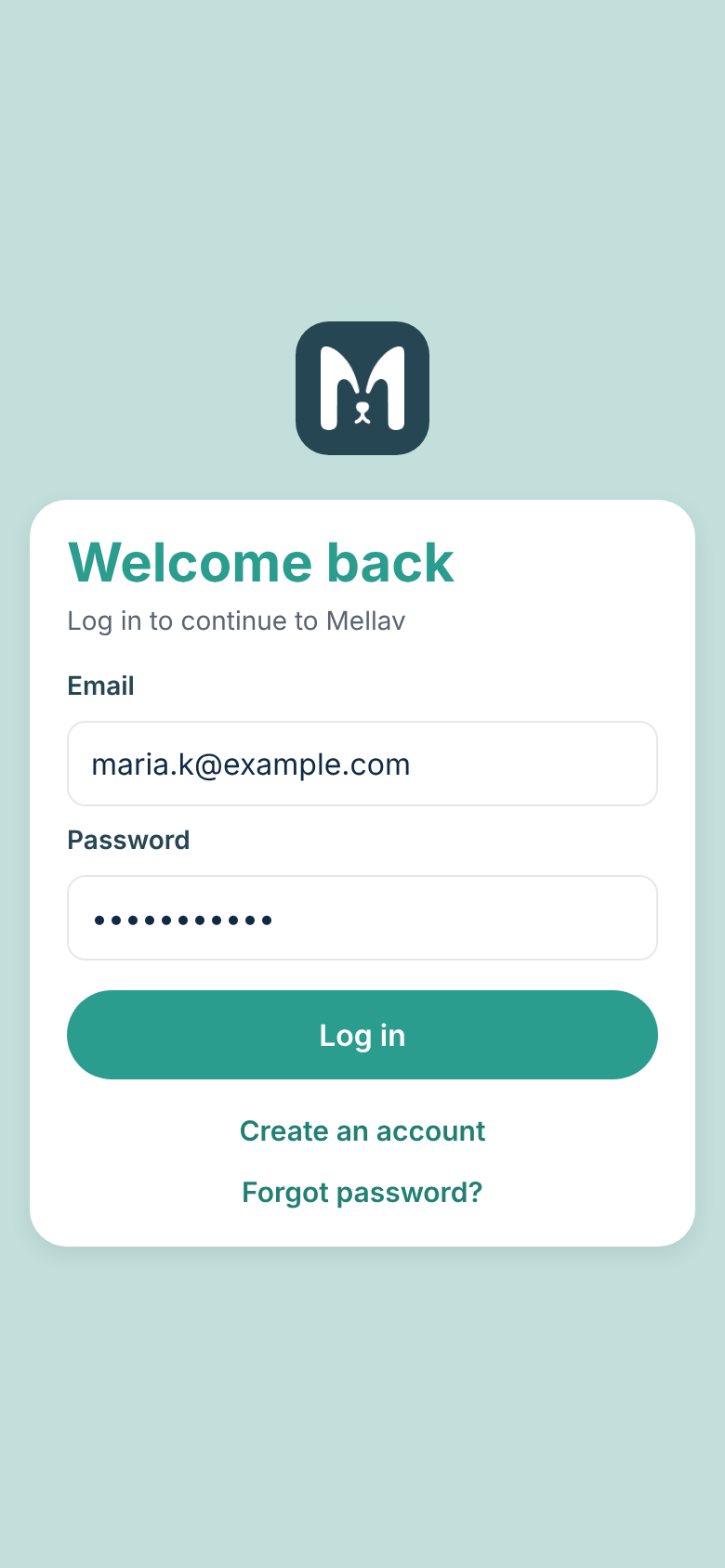
Signing up is one short form. The account area is where owners manage everything else: personal details, address, password and language. Privacy and data controls (privacy policy, data export and account deletion) are designed in from the start rather than added later.
Design system, in practice
The tokens live in code, not in a separate file that can drift: one set of colours, radii, spacing and type sizes, shared between the mobile theme and the web stylesheet. The icon set was drawn for the product. Most icons come in a filled and an outline version, so the tab bar can show which section is active by its shape as well as its colour.
Colour tokens
- primary
#264653 - accent
#2A9D8F - background
#C2DFDB - danger
#E76F51 - text
#102A43 - summary card
#F7FAFB
Radius: input 10, card 20, pill 999. Spacing: 4, 8, 12, 16, 20, 24, 32.
Icon set: 32 icons, most in filled and outline pairs
 overview
 outline
 health
 outline
 activities
 outline
 feeding
 outline
 vaccines
 outline
 medication
 outline
 vet visits
 outline
 weight
 outline
 prevention
 calendar
 summary
 fun fact
 documents
 upload
 photo
 clock
Built for two languages and daily use
Outcomes & reflection
The pet owner MVP is built and running against a live API on AWS, on iOS, Android and the web, in English and Greek. It covers the full journey: sign up, add animals, log health records, routines and meals, get reminders, and manage your own account and data.
What I'd do differently: I'd put the app in front of owners much earlier. Every screen was reasoned through, but it hasn't yet been tested with real owners, and that's the next step before launch. I'd also set the technical bar sooner. A code review of the MVP found security gaps in how sessions are handled, which are being fixed before launch. Account deletion currently only flags a request and needs to become a real delete.
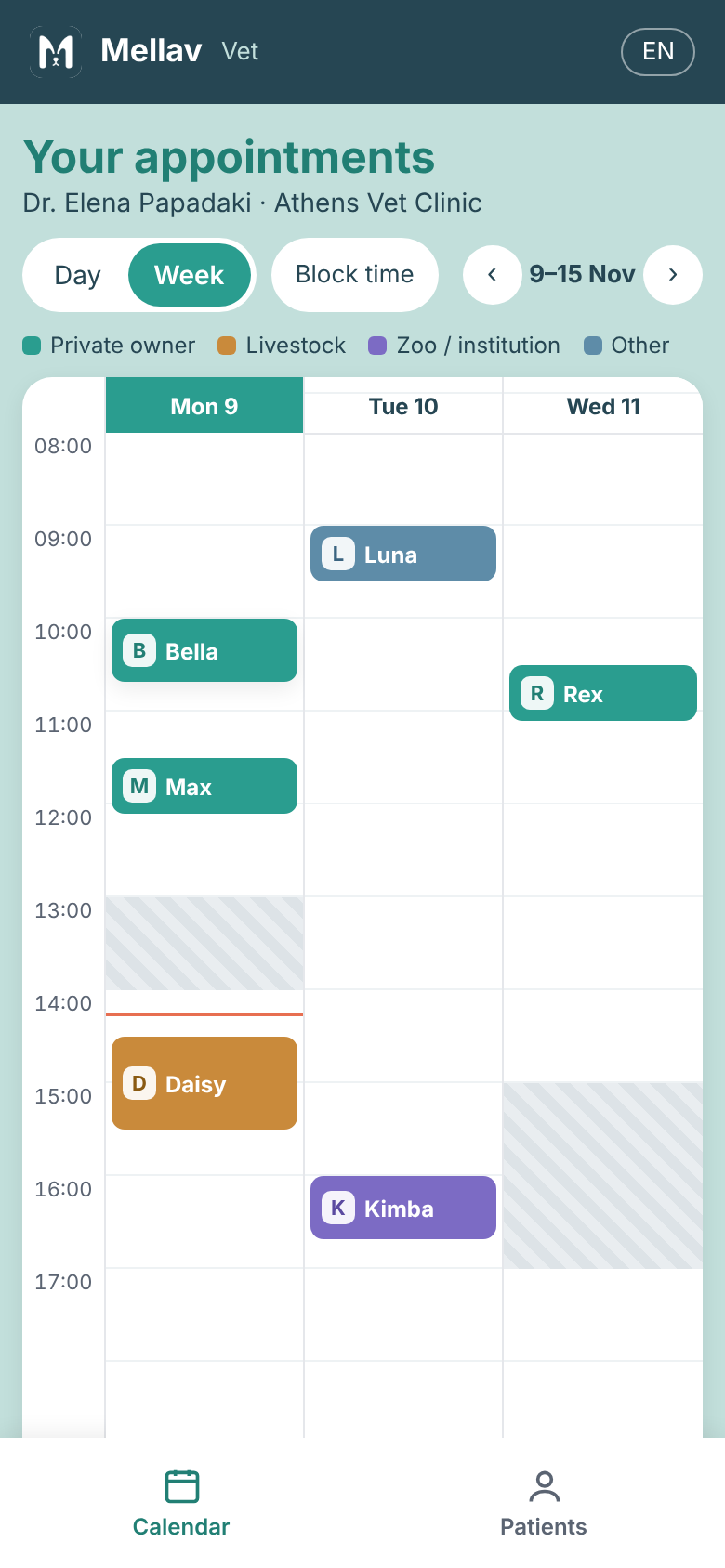
Future developmentBringing vets in
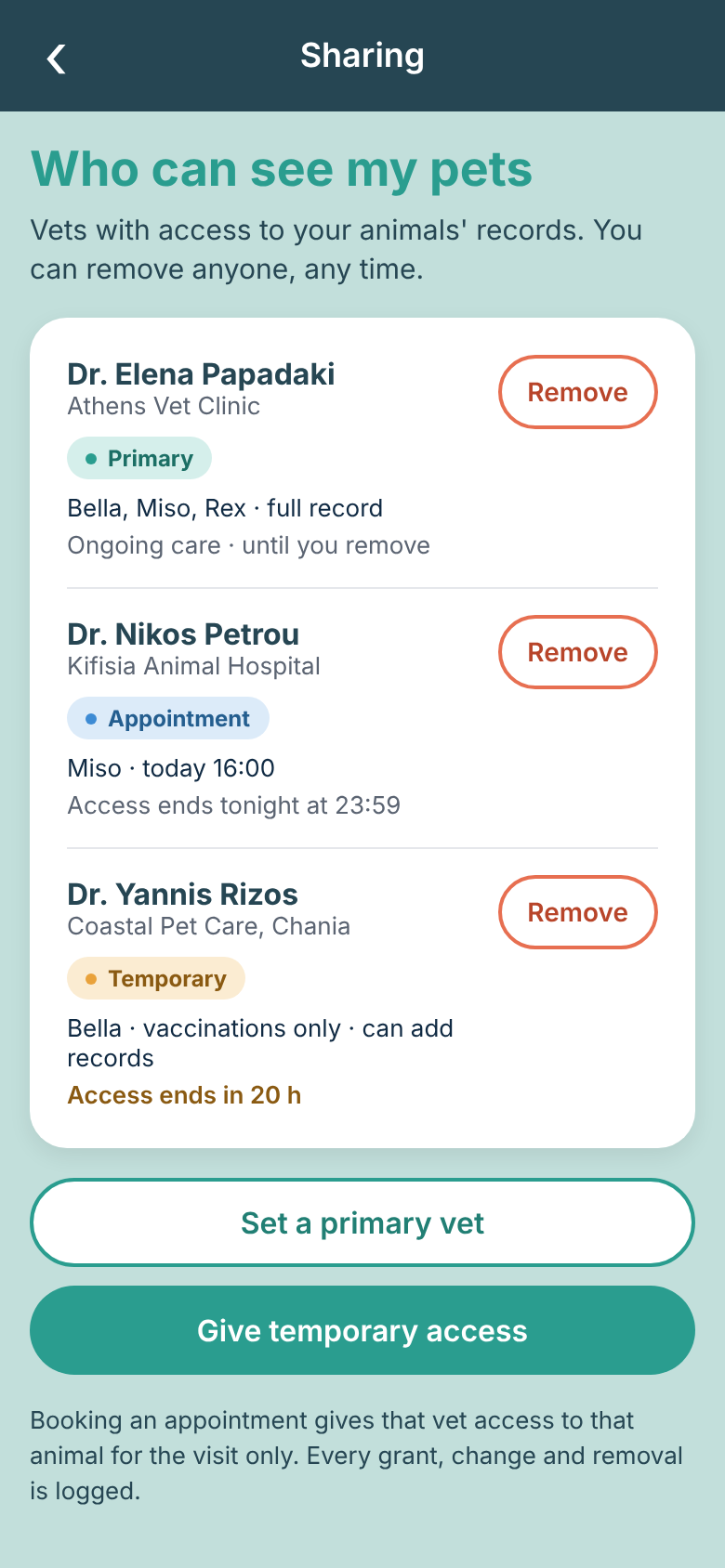
The next phase gives vets access to a pet's record, without the owner losing control of it. It's designed and its back end is built, but it's switched off until the owner experience is proven. Instead of a single "share with my vet" switch, owners get three ways to grant access, each with its own limits.
Primary vet
An ongoing relationship the owner sets up, like a family doctor. It covers their animals by default and can be removed at any time.
standing · read-onlyAppointment
Booking a visit gives that vet access to that animal for the day of the visit, and lets them add a signed consultation note.
tied to the bookingTemporary (QR)
For when there's no booking: travelling, a second opinion or a one-off test. The owner picks what to share and for how long.
scoped · ends on its own